Unboxing the IDS NXT Experience Kit for AI vision
Discover what’s inside the IDS NXT Experience Kit and learn how to start your journey into AI vision without any prior programming knowledge. This video walks you through the kit’s components, setup process, and first steps in creating AI-based image processing applications.
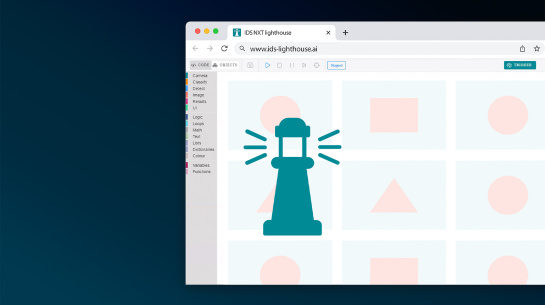
You’ll see how easy it is to connect the camera, use IDS NXT cockpit for live image capture, and train your own neural networks with IDS lighthouse. Whether you’re exploring classification, object detection, or anomaly detection, this guide shows how the Experience Kit simplifies AI vision development for beginners and professionals alike.
Topics covered
- What’s included in the IDS NXT Experience Kit
- How to set up the camera and IDS NXT cockpit
- Using IDS lighthouse to train neural networks
- Creating and uploading your own vision apps
- Tips for image capture and data augmentation
- Practical workflow for AI vision projects
Video timeline
- 00:00 - Introduction
- 00:44 - Unboxing the kit
- 02:15 - Quick start guide
- 04:46 - Commissioning of the system
- 07:45 - Work in AI vision studio
- 14:11 - Summary
Who should watch
This video is ideal for developers, vision engineers, and anyone interested in AI vision who wants a simple, all-in-one solution to start building applications without complex setup or coding.
Watch now to see how easy AI vision can be with the IDS NXT Experience Kit.