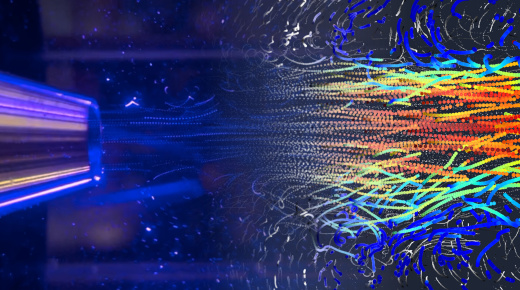
How-to simply get started with event-based cameras
Discover how to set up and configure IDS event-based cameras for high-performance machine vision applications. This video provides a practical guide to installing the required software, connecting your hardware, and optimising key settings for event-based imaging.
Event-based sensors represent a breakthrough in vision technology, capturing only changes in contrast rather than full frames. This reduces data load, improves latency, and offers microsecond-level time resolution. In this tutorial, you’ll learn how to install Prophesee software, configure IDS EVS (event-based sensor) cameras, and apply advanced settings to suit your application.
Topics covered
- What makes event-based sensors different from frame-based cameras
- How-to install Prophesee software and IDS plug-ins
- Key configuration settings in Metavision Studio
- Understanding and adjusting bias parameters for optimal performance
- Using filters and regions of interest to manage data
- Practical examples of event-based processing algorithms
Video timeline
- 00:00 - Introduction of event-based cameras and information about previous video
- 01:38 - Start configuration: How to download Prophesee Software
- 03:27 - How-to download IDS Software (plug-in), configure a suitable lens and cable
- 05:09 - How-to open and run the event-based camera
- 07:59 - Explanation of contrast biases
- 10:56 - Biases settings: low and high frequency filtering
- 12:45 - Refactory bias
- 13:55 - Region of interest
- 14:53 - Additional settings to remove the uninteresting events
- 16:06 - Metavision SDK pro examples, source code, application examples
- 18:15 - How-to trigger/synchronize an event-based camera
- 19:08 - Summary
Who should watch
This video is ideal for vision engineers, developers, and system integrators looking to explore event-based imaging for applications such as object tracking, vibration analysis, and high-speed motion capture.
Watch now to learn how to unlock the full potential of IDS event-based cameras.
Further links and downloads
- Link to the IDS event-based camera
- Link to the software Metavision
- Link to the Github OpenEB
- Linkt to the contact with Prophesee
- Link to the IDS software
- Link to the lens
- Link to the cable