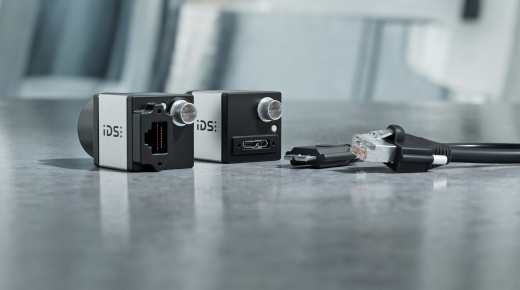
How-to set up multi-camera systems with IDS cameras
Discover how to design and configure multi-camera systems using IDS uEye+ cameras. This video explains why multi-camera setups are essential for applications requiring wide fields of view, multiple perspectives, or stereo vision, and provides practical guidance on choosing interfaces, hardware, and camera families.
You’ll learn how to manage bandwidth, synchronise cameras, and optimise performance for stable, high-quality image acquisition. From USB3 and GigE to 10GigE solutions, this guide covers everything you need to build robust multi-camera systems for industrial automation, logistics, and quality assurance.
Topics covered
- Why multi-camera systems are used in industrial vision
- Choosing the right interface: USB3, GigE, or 10GigE
- Selecting IDS camera families for synchronisation and precision
- Managing bandwidth and avoiding data collisions
- Synchronisation options: hardware triggers and precision time protocol
Video timeline
- 00:00 - Introduction & use case examples
- 02:30 - Interface overview: USB3, GigE, 10GigE
- 07:00 - Bandwidth & power considerations
- 10:30 - Choosing the right camera family
- 13:00 - Synchronisation methods: hardware & PTP (precision time protocol)
- 16:00 - Tips for multi-camera management
- 18:30 - Final tips & summary
Who should watch
Ideal for vision engineers, automation specialists, and system integrators designing multi-camera systems for industrial inspection, logistics, and quality control.
Watch now to master multi-camera system design with IDS cameras.