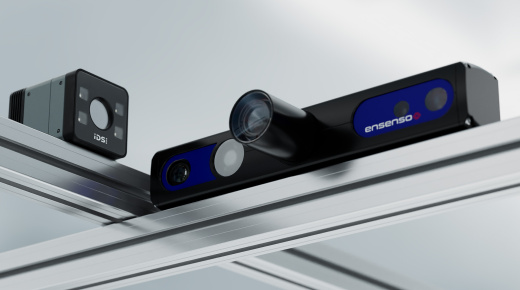
Full-featured 360° point clouds with Ensenso multi-camera setup
Discover how to create complete 360° point clouds using multiple Ensenso 3D cameras. This video explains the fundamentals of 3D imaging, why stereo vision matters, and how IDS Ensenso technology delivers unmatched data quality for close-range applications.
You’ll learn how to set up and calibrate a multi-camera system, merge point clouds into a common coordinate system, and understand what makes the Ensenso B camera unique. Whether you need high-resolution 3D data for bin picking or robotic vision, this guide shows you how to achieve precise results efficiently.
Topics covered
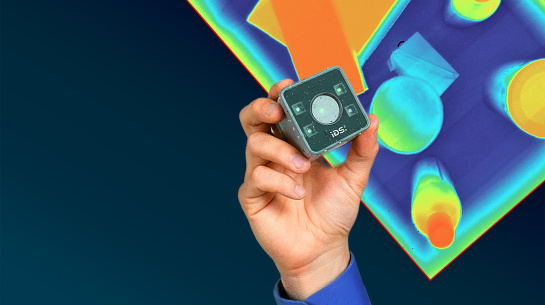
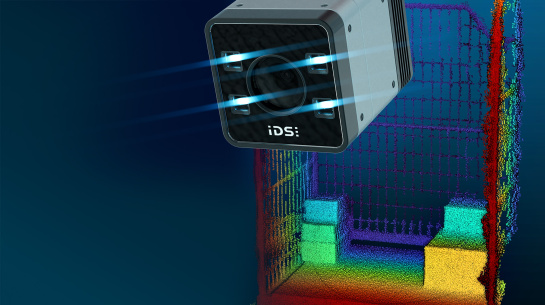
- Basics of 3D imaging and depth maps
- How Ensenso stereo vision works
- Using pattern projection for accurate depth data
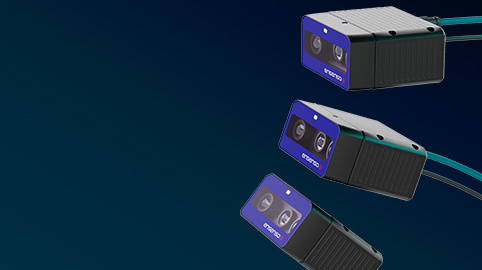
- Setting up and calibrating multiple cameras
- Merging point clouds for full 360° coverage
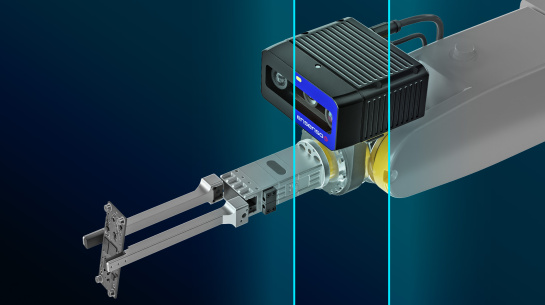
- Key features of the Ensenso B camera
Video timeline
- 00:00 - 3D vision basics
- 03:50 - Ensenso technology overview
- 08:28 - Multi-camera setup introduction
- 10:53 - Ensenso B features & use cases
- 18:00 - Live demo – 3D reconstruction with two cameras
Who should watch
This video is ideal for vision engineers, robotics developers, and system integrators looking to implement high-precision 3D imaging solutions using IDS Ensenso cameras.
Watch now to master multi-camera 3D setups and unlock the full potential of Ensenso technology.