How-to create IDS NXT vision apps with block-based editor
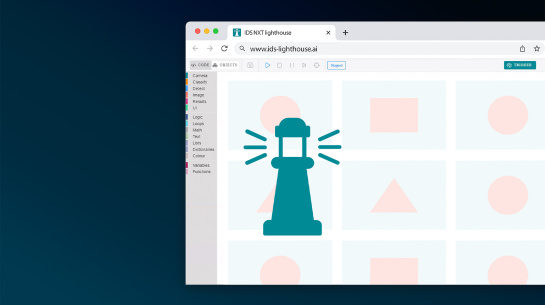
Learn how to build your own AI vision apps for IDS NXT cameras without writing a single line of code. This video shows you how to use the block-based editor to create custom workflows for AI-based image processing and deploy them directly on the camera. We’ll guide you through the entire process – from setting up your app in the cloud-based IDS NXT lighthouse to simulating, exporting, and running it on real hardware. Discover how easy it is to integrate AI vision into factory automation using intuitive tools and graphical programming.
Topics covered
- Introduction to IDS NXT block-based editor
- How to create and configure vision apps without coding
- Using IDS NXT lighthouse for training and deployment
- Adding logic, controls, and REST (Representational State Transfer) interface integration
- Simulating and debugging AI vision apps in the cloud
- Exporting and running apps on IDS NXT cameras
Video timeline
- 00:00 - Intro
- 02:13 - Login to AI Vision Studio
- 03:00 - Overview in the blockbased editor
- 04:08 - Start creating the app
- 04:47 - Images + data sets
- 05:56 - Image processing
- 07:00 - Choosing a CNN (Convolutional Neural Networks)
- 07:33 - Debug + visualise AI results
- 09:09 - Insert UI (User Interface) controls
- 10:11 - Handle programme errors
- 10:33 - Create a process decision
- 11:00 - Control digital outputs
- 12:05 - Build + download vision app
- 12:47 - Summary
Who should watch
This tutorial is ideal for engineers, integrators, and manufacturers who want to implement AI vision quickly and easily without programming expertise.
Watch now to learn how to create your own IDS NXT vision apps.