

Set-up Nion: Quickly to reliable 3D data
New how to video on the Vision Channel
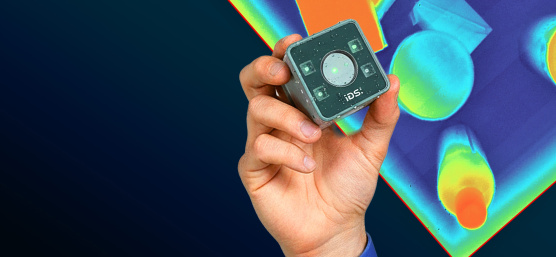
Get to know Nion even better! Our new video will help you capture your first 3D images faster. In the Vision Channel, we demonstrate how to set up the camera in IDS peak Cockpit and transition from your first image to a complete 3D workspace.
Rob Webb will guide you through the setup process step by step: intensity and depth view, noise reduction using filters and thresholds, and saving parameters for quick reuse. There is a special focus on the operating modes of the Nion.
If you have experiance working with our 2D cameras in IDS peak Cockpit, you will find much of this familiar. However, no prior knowledge is necessary.
Contact
Please contact our team, we will be happy to help you.
Newsletter
Stay up to date and subscribe to our newsletter.